Dental Pro — Practice Growth System
Dentistry loses money in two places: treatment plans that stall, and recalls nobody chases. Both are automated here.
- 20 workflows in folders, all Draft
- 13-page website and new-patient special funnel
- 4 calendars and 3 pipelines
- AI receptionist + practice knowledge base
- Setup Wizard, buyer guide and intake sheet
- Owner KPI dashboard and blog posts
One-time purchase · protected import link · buyer guide included
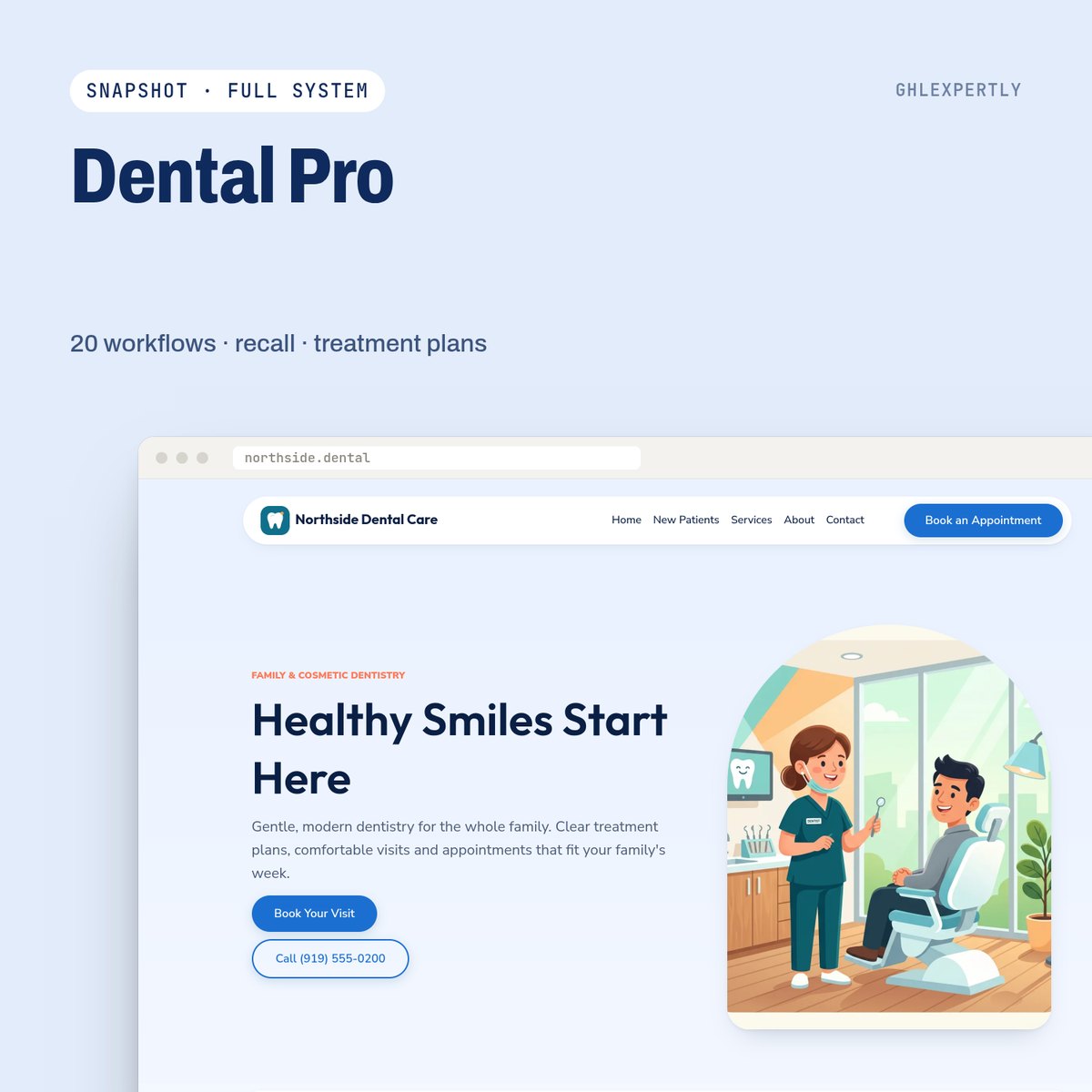
Built for: General and cosmetic dental practices, and agencies running dental accounts.
The parts that earn their place
Treatment-plan follow-up
Presented, questions, financing help, decision — a sequence for the plan that was quoted and then went quiet.
Six-month recall
The recall clock starts automatically after a cleaning, so the next visit is booked without anyone keeping a spreadsheet.
Emergency fast lane
A separate emergency form, an urgent internal alert and a reply path that does not sit behind the normal queue.
AI receptionist
Practice knowledge base, guardrails against clinical advice, and a hand-off the moment a question needs a human.
Visit survey to review
One-tap survey after a visit, then the review request — with the owner alerted on anything low.
Owner KPI dashboard
New patients, plans presented and accepted, recalls due, no-shows and where the leads came from.
Live in about 45 minutes
A2P approval and DNS propagation run on their own clocks and are not included in that figure.
- 01
Import into a fresh sub-account
The load cannot be undone, so it goes into a new or throwaway account. Country and timezone first — every wait step is calculated against them.
- 02
Run the Setup Wizard
One internal form writes every custom value, then the wizard workflow goes back to Draft.
- 03
Connect number, domain and calendars
A2P registration, sending domain, your website domain, your team on the calendars.
- 04
Publish the workflows
Test with your own number and inbox first, then publish all of them at once.
Take Dental Pro as it is, or have it installed.
Buy it on the store and run the wizard yourself, or hand the whole import, branding and go-live to the team that built it.