Business Coach Pro — Advisory System
Coaching is not a walk-in business. The calendar has to be protected before it is filled.
- 23 workflows in 5 folders, all Draft
- 13-page editorial site, workbook funnel and lead-magnet modal
- 4 calendars and 3 pipelines
- AI concierge + 20-question knowledge base
- Setup Wizard, buyer guide and import templates
- Owner KPI dashboard and 6 blog posts
One-time purchase · protected import link · buyer guide included
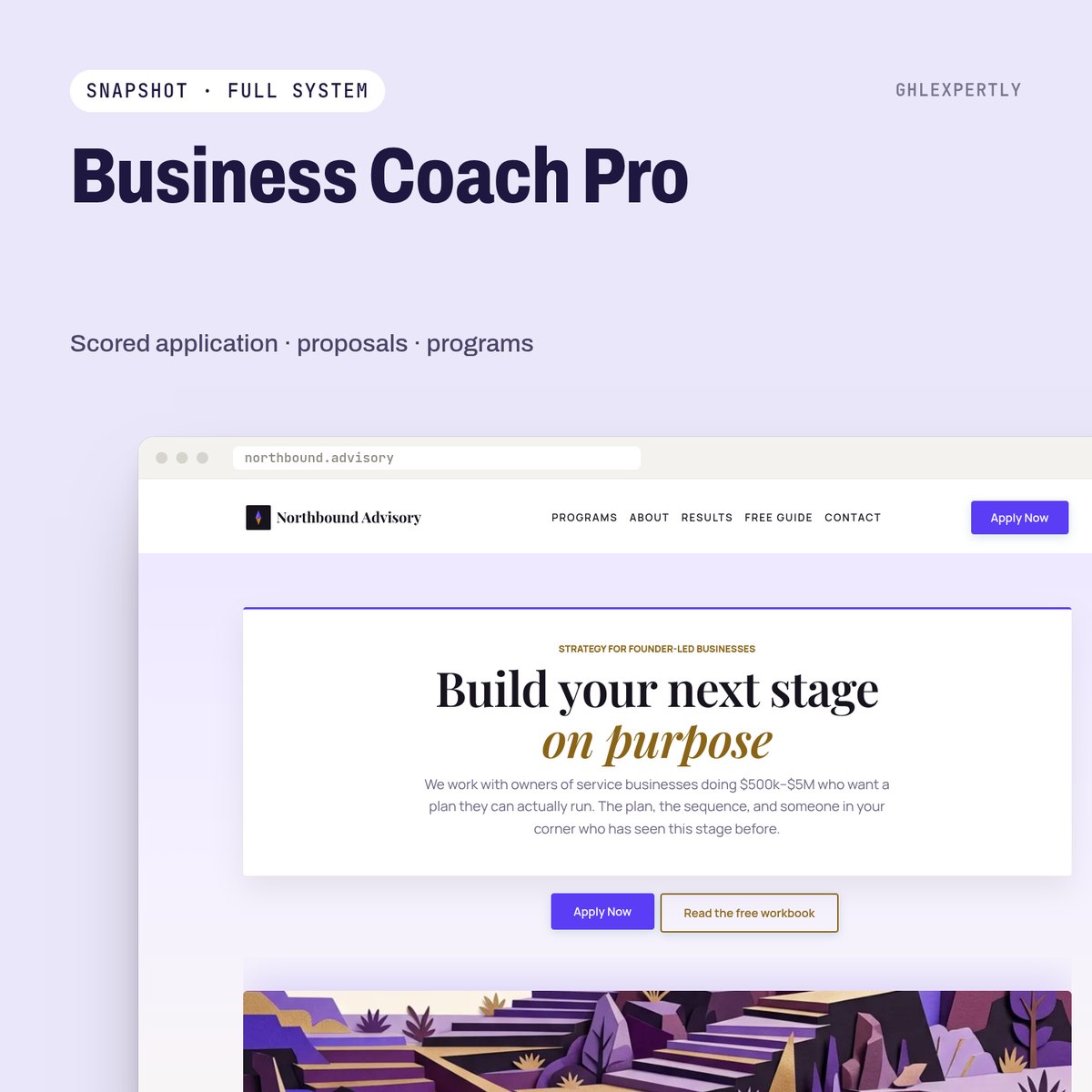
Built for: Business coaches, consultants and advisory firms — and agencies serving them.
The parts that earn their place
Scored application gate
Timeline, budget and who decides are scored on submission. Only qualified applicants are sent the booking link; the rest get an honest "not yet" and the workbook.
Discovery call engine
Prep survey, homework, 24-hour and 2-hour reminders, no-show recovery and a cancellation rebook path.
Proposal tracker
Value, sent date and expiry on the contact; three follow-ups and an owner alert at day twelve, stopping the moment they reply.
Program tracking
Sessions used against sessions bought, milestone recaps, and a 30-day silent-client alarm that tells you to call, not email.
Testimonial engine
Completion survey, permission checkbox, testimonial and case-study requests — collected as a process, with placeholders you replace rather than fabricate.
No income claims anywhere
A results disclaimer on every offer page and in proposal emails. Process language throughout, never "earn $X".
Live in about 45 minutes
A2P approval and DNS propagation run on their own clocks and are not included in that figure.
- 01
Import into a fresh sub-account
The load cannot be undone, so it goes into a new or throwaway account. Country and timezone first — every wait step is calculated against them.
- 02
Run the Setup Wizard
One internal form writes every custom value, then the wizard workflow goes back to Draft.
- 03
Connect number, domain and calendars
A2P registration, sending domain, your website domain, your team on the calendars.
- 04
Publish the workflows
Test with your own number and inbox first, then publish all of them at once.
Take Business Coach Pro as it is, or have it installed.
Buy it on the store and run the wizard yourself, or hand the whole import, branding and go-live to the team that built it.